You have a photo. You need real measurements from it. But where do you start?
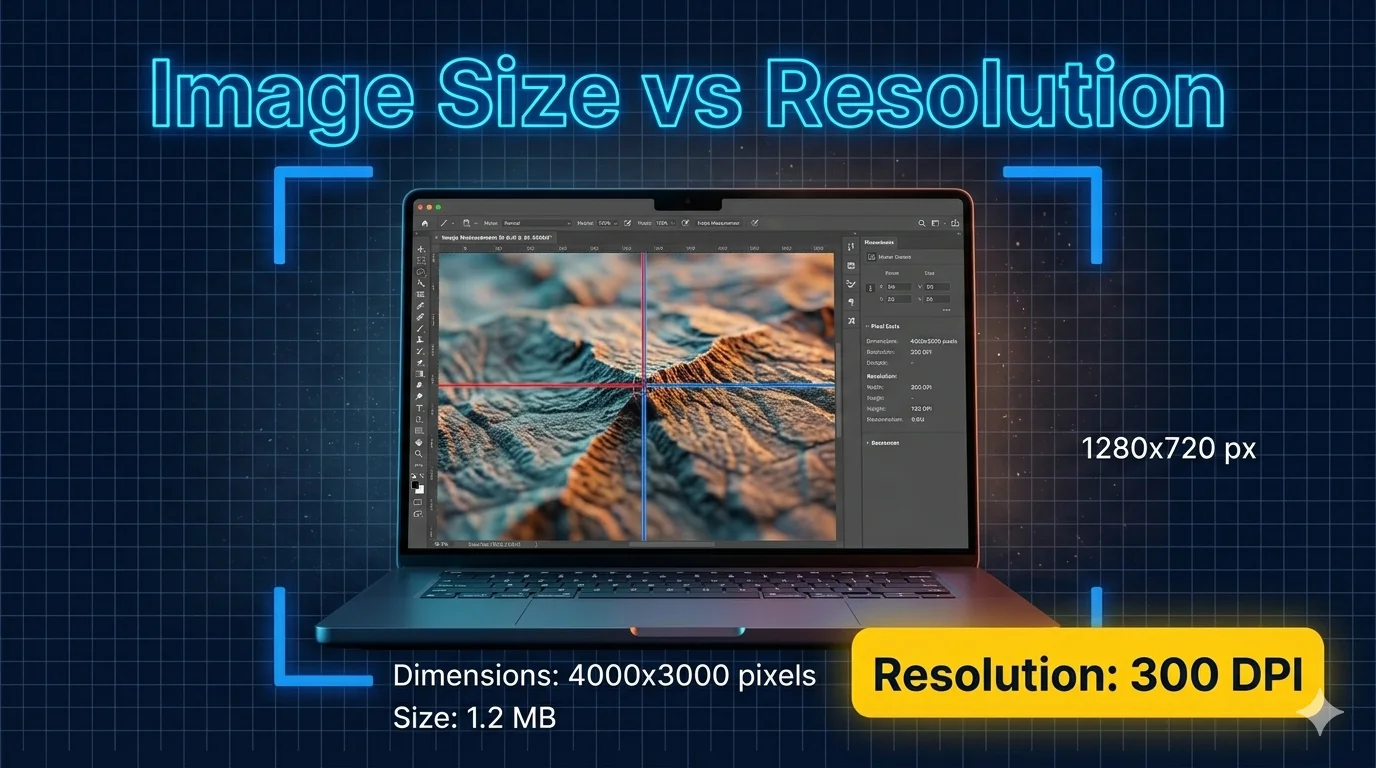
Most people confuse image size, resolution, and dimensions. These three things are different and mixing them up leads to wrong measurements, blurry prints, and wasted time.
What Is Image Measurement? (And Why Most People Get It Wrong)
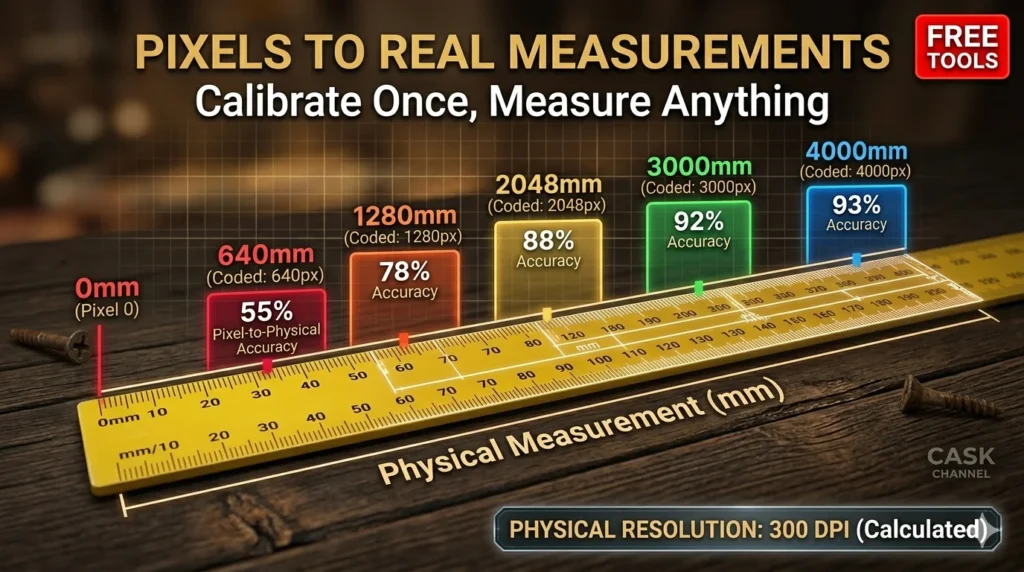
Image measurement is the process of extracting real-world dimensional data — like length, width, area, or angle — directly from a digital photo or scan.
It sounds simple. But there is one major problem most people ignore.
📌 A photo has no idea how big the object inside it really is. Two photos can look identical — one of a real house, one of a miniature model. The camera cannot tell the difference.
This is the core challenge of photo measurement. Without a known reference size, you cannot get accurate real-world measurements. You only get pixel counts — which mean nothing on their own.
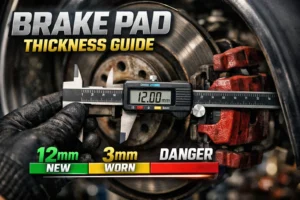
Must Visit: Brake Pad Measurement: A Step-by-Step Guide to Staying Safe
The Common Misconception
Many people think that a larger file size means more accurate measurements. That is not true.
What actually matters is image resolution (the pixel density), the quality of the original photo, and — most importantly — proper scale calibration.
According to quality control research, companies that use image-based measurement systems reduce their inspection time by up to 67%. But only when they calibrate correctly.
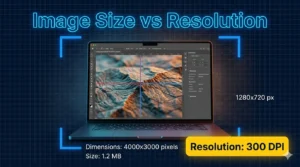
Image Size vs. Resolution vs. Dimensions — What Is the Real Difference?
These three terms get mixed together all the time. Here is exactly what each one means.
Image Size
Image size refers to the file size — how many megabytes or kilobytes a photo takes up on your device. It is about storage, not measurement accuracy.
A 10MB JPEG is not necessarily more precise for dimensional analysis than a 2MB PNG. Compression and format affect file size more than measurement quality.
Image Resolution
Image resolution is the number of pixels packed into a given space. It is measured in DPI (dots per inch) or PPI (pixels per inch).
72 DPI works fine for screens. 300 DPI is the standard for professional print. For precise measurement work — like engineering drawings or medical imaging — you want 600 DPI or higher.
Here is a simple way to think about it: resolution is how detailed your ruler is. The finer the ruler, the more accurately you can measure.
Image Dimensions
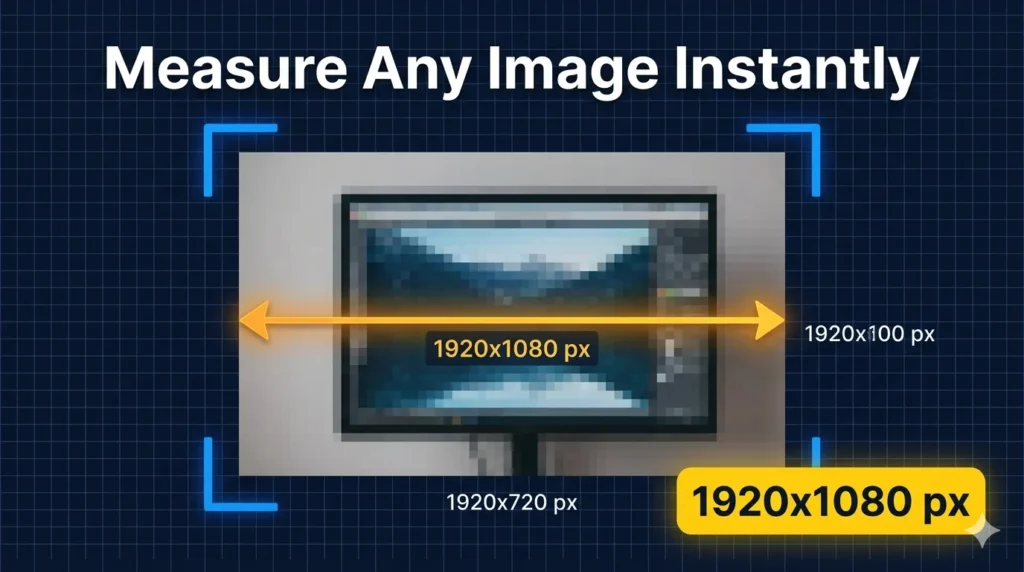
Image dimensions are the width and height in pixels — for example, 1920×1080 or 4000×3000.
Dimensions tell you the pixel canvas size. But without knowing the real-world scale, those numbers are just pixels — not inches, not centimeters, not millimeters.
For accurate image measurement, the minimum recommended size is 1920×1080 pixels for general work. Scientific or medical applications need 3000+ pixels in the measurement direction.
Quick Comparison Table
| Term | What It Means | Why It Matters |
| Image Size | File storage size (MB/KB) | Storage only — not measurement accuracy |
| Resolution (DPI/PPI) | Pixel density per inch | Determines print quality & measurement detail |
| Dimensions (px) | Width × Height in pixels | Raw pixel canvas — needs calibration for real units |
How Image Measurement Actually Works — Reference Scale & Calibration
This is where most guides go shallow. Let us go deep.
To get real-world measurements from a photo, you must establish a pixel-to-unit ratio. This is done through calibration — telling the software what a known distance in the image equals in real life.
The Three Main Calibration Methods
1. Reference Scale — The simplest method. Works best on flat objects photographed straight-on. Like the scale printed on a map. Place a ruler or a known object in the frame. Tools like ImageMeter use this for scanned documents, floor plans, and flat surfaces.
2. Perspective Reference — More advanced. Works even when the image is taken at an angle and has perspective distortion. The software corrects the geometry automatically and computes true dimensions from any plane in the image.
3. Perspective Length Tool — Used for measuring along a single dimension — like the height of a wall from a street-level photo. Great for quick one-directional measurements.
What Destroys Measurement Accuracy
⚠️ Wide-angle lens distortion, low image resolution, and poor lighting are the top three reasons image measurements go wrong.
Before measuring, always remove lens distortion from wide-angle shots. Use the highest available resolution. Make sure lighting is even and the object edges are sharp.
With proper calibration, modern tools achieve accuracy within ±0.5% to ±2% for length measurements. Without calibration, you are guessing.
Image Measurement Accuracy Reference
| Measurement Type | Units | Accuracy Range |
| Length / Distance | mm, inches, pixels | ±0.5–2% |
| Area | sq mm, sq inches, acres | ±1–3% |
| Angle | Degrees, Radians | ±0.1–0.5° |
| Perimeter | mm, inches, meters | ±1–2% |
| Diameter / Radius | mm, inches, microns | ±0.5–1.5% |
| Volume (estimated from 2D) | Cubic mm, cubic inches | ±3–5% |
Best Image Measurement Tools in 2025 — Free and Professional
There is no one-size-fits-all tool. The right choice depends on your job, your device, and how precise you need to be.
Top Tools Worth Knowing
ImageMeter — A powerful mobile app (Android/iOS) built specifically for photo measurement. Supports Bluetooth laser distance meters for ultra-precise calibration. Great for contractors, architects, and field engineers across the USA.
imageonline.io Measure Tool — A free browser-based tool. Handles distance, area, perimeter, angle, and radius measurements in one place. No download needed. Upload your image, set a reference distance, and start measuring. Export as PNG, JPG, or WebP.
Photo Measure (victornpb) — An open-source, browser-based tool. Set your DPI or draw a reference line, then add measurement lines in mm, cm, inches, or meters. Clean and straightforward.
Photo Measure by eleif.net — A desktop-grade online photo measurement tool known for handling complex architectural and engineering measurements with calibration options.
PD Measurement Tools — Covers image size measurement (width, height, aspect ratio, file size) alongside other dimensional tools. Good for quick pixel dimension checks and unit conversion.
Tool Comparison: Free vs Professional
| Tool | Type | Best For | Export Formats |
| ImageMeter | Mobile App (Free/Pro) | Field work, construction, architecture | PDF, image, CSV |
| imageonline.io | Free Online | Quick multi-type measurement | PNG, JPG, WebP |
| victornpb Measure | Free Online (Open Source) | Simple line measurements | Image only |
| eleif.net Photo Measure | Free Online | Architectural & engineering photos | Image |
| PD Measurement | Free Online | Image size & dimension checks | Data table |
For professional environments needing batch processing, DICOM support, or statistical reports, dedicated desktop software remains the gold standard. But for most everyday image measurement needs, these free tools deliver excellent results.
How to Measure an Image Accurately — Step-by-Step
Follow these steps every time. They work whether you are measuring a floor plan, a product photo, or a site survey image.
- Prepare Your Image — Use the highest resolution available. Good lighting and sharp focus matter. Remove lens distortion if you used a wide-angle lens. Minimum: 1920×1080 px for general work.
- Set Your Calibration — Place a ruler or known-size object in the photo. Tell the software the real-world size of that reference. This establishes your pixel-to-unit ratio.
- Choose Your Measurement Type — Pick distance, area, angle, perimeter, or radius depending on what you need.
- Draw and Measure — Click to place measurement points. Use snap-to-edge features for clean results on well-defined boundaries.
- Export and Document — Save your annotated image as PNG, JPG, or WebP. Export measurement data to a spreadsheet or PDF report for documentation.
Common Mistakes That Ruin Accuracy
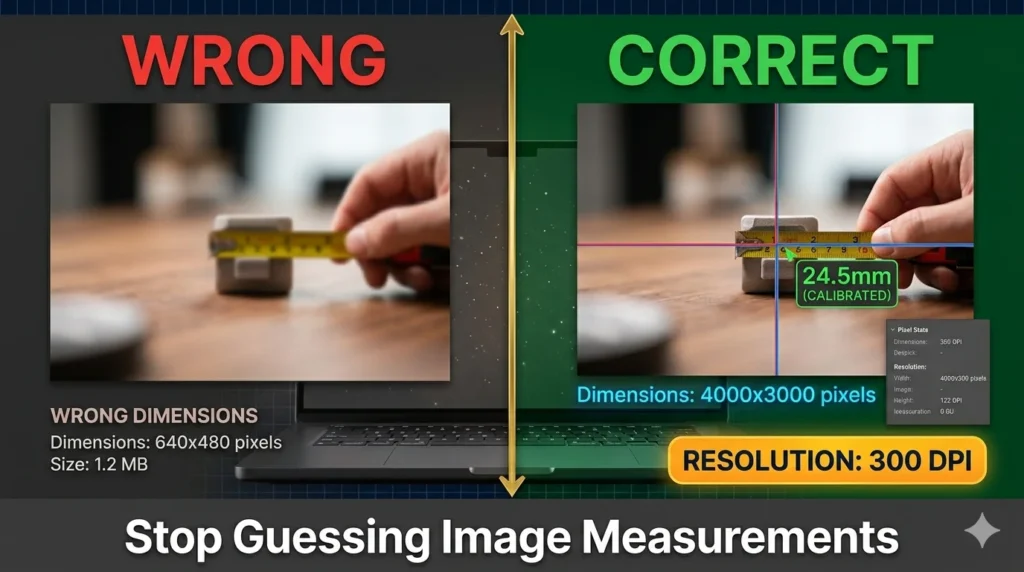
- Skipping calibration — you get pixels, not real units
- Using a low-resolution image (640×480 gives only ±5% accuracy at best)
- Not correcting perspective distortion on angled shots
- Measuring a 3D object with a flat reference scale (use perspective reference instead)
- Using a heavily compressed JPEG — detail loss reduces measurement precision
FAQ — Image Measurement Questions Answered
Can I measure an image on my phone without special software?
Yes. Apps like ImageMeter are built for mobile and work well on both iOS and Android. Browser tools like imageonline.io also work on smartphones. For precise professional work, a larger screen and dedicated software give better results.
Do I need to calibrate every image before measuring?
Yes — always. Without calibration, you only get pixel counts. Calibration converts those pixels into real-world units like millimeters, inches, or meters. There is no shortcut here.
What is the minimum image resolution for accurate measurement?
For general use: 1920×1080 pixels minimum. For scientific, medical, or engineering applications: 3000+ pixels in the measurement direction. Sub-millimeter precision requires high-resolution images and precise calibration.
Does file size affect measurement accuracy?
Not directly. File size depends on compression and format. What matters is pixel dimensions and image sharpness. A small, sharp PNG can be more accurate than a large, blurry JPEG.
What image formats work best for measurement tools?
PNG is preferred for measurement work because it is lossless. JPEG works but heavy compression can blur edges. For medical imaging, DICOM format is standard. Professional tools also support TIFF, RAW, and specialized microscopy formats like CZI and ND2.
Can I measure a 3D object from a regular photo?
You can — but with limitations. Use the perspective reference method to correct for camera angle and depth. For truly accurate 3D measurements, you need multiple images or a Bluetooth laser distance meter paired with tools like ImageMeter.
How accurate is image measurement software?
With proper calibration and a high-resolution image: ±0.5% to ±2% for length. Angle measurements reach ±0.1° to ±0.5°. Low-resolution images (640×480) drop accuracy to ±5% at best. Image quality directly controls measurement precision.
Conclusion
Image measurement is not guesswork anymore. With the right tool and proper calibration, you can extract laboratory-grade precision from an ordinary photo.
Remember the three rules: always calibrate, use high resolution, and choose the right measurement method for your image type. Whether you use ImageMeter, imageonline.io, or any other tool — these fundamentals never change.
Start with a free online tool today. Once you see how accurate digital image measurement can be, you will never go back to manual methods.